 Waypoints

Know your pay before it posts.
Base pay, allowances, and TSP in one place, worked out for your grade and years of service. Plus calculators for retirement savings and your next PCS.
Your money, in plain numbers.
See what you earn, how your TSP funds are doing, and what a move will cost, without a spreadsheet.
Monthly and yearly
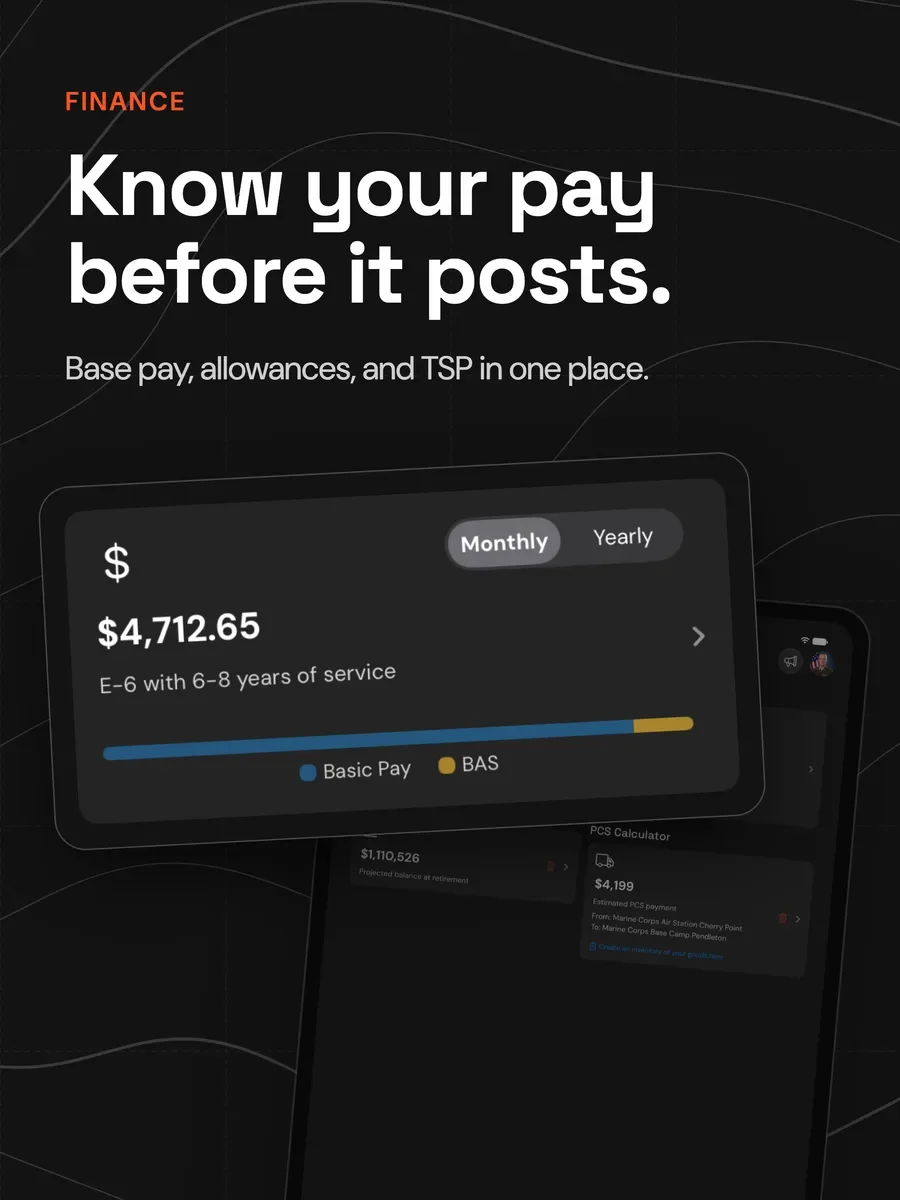
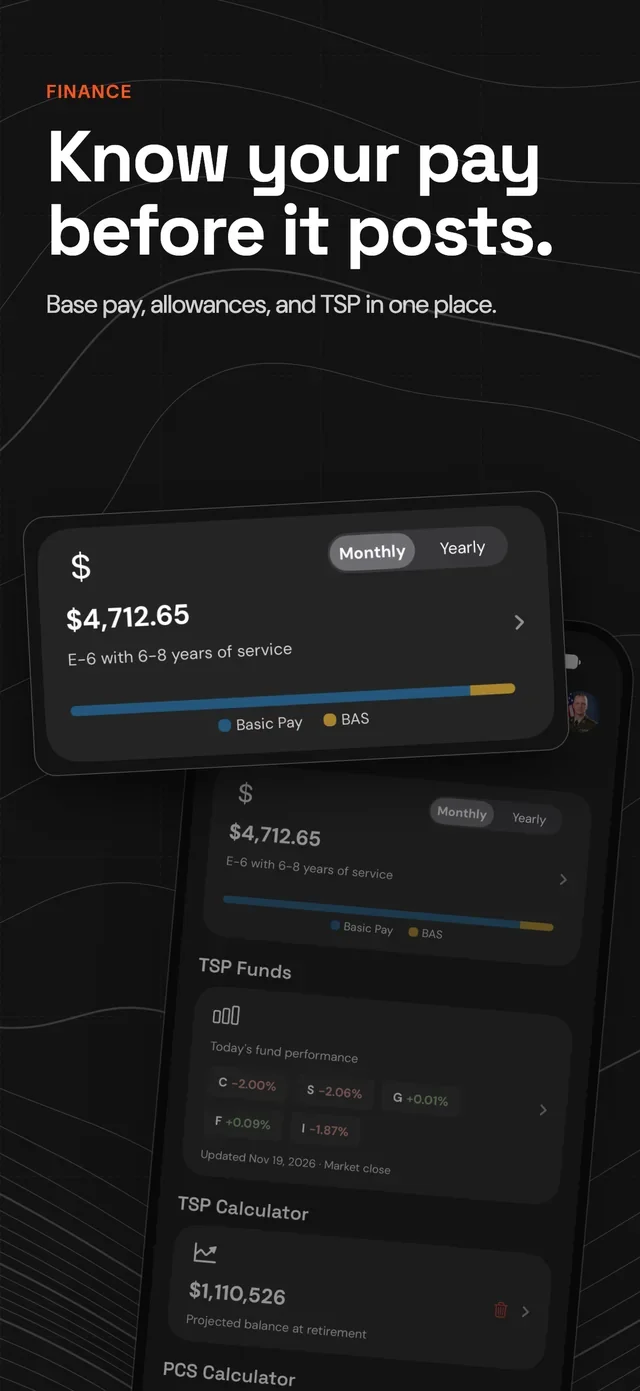
See your pay by month or by year for your grade and years of service, split into base pay and allowances like BAH.
Today's fund performance
Check the daily performance of the G, F, C, S, and I funds at a glance.
Projected balance at retirement
Enter your income, balance, contributions, expected return, and ages to project your TSP balance at retirement.
Plan the move
Estimate your PCS using your saved duty stations, with mileage locked to the real road distance between them.
Come back to it
Save TSP and PCS estimates to compare later, and delete the ones you no longer need.
Built from your rank and service time
Pay uses the rank and time in service already on your profile, so there is nothing extra to enter.
Know your pay before it posts.
Your monthly pay broken into base pay and allowances, plus your TSP funds and calculators on the same screen.
- Monthly and yearly views
- Base pay and BAH split out
- TSP and PCS calculators one tap away
What goes into each estimate.
- TSP calculator
- Annual income, starting balance, monthly contribution, estimated return, estimated salary increase, and your current, separation, and retirement ages.
- PCS calculator
- Your saved duty stations, with mileage locked to the road distance between them.
- Fund feed
- Daily performance for the G, F, C, S, and I funds.
Calculators are estimates for planning. Confirm entitlements with your finance office.
Pay FAQ
Where does my pay estimate come from?
Your grade and years of service from your profile. Update your rank and it updates with you.
Can I save more than one PCS estimate?
Yes. Save estimates to compare and delete the ones you no longer need.