 Waypoints

Train for test day, every day.
Log practice and official scores for your branch's fitness test and see exactly where you stand against the standard.
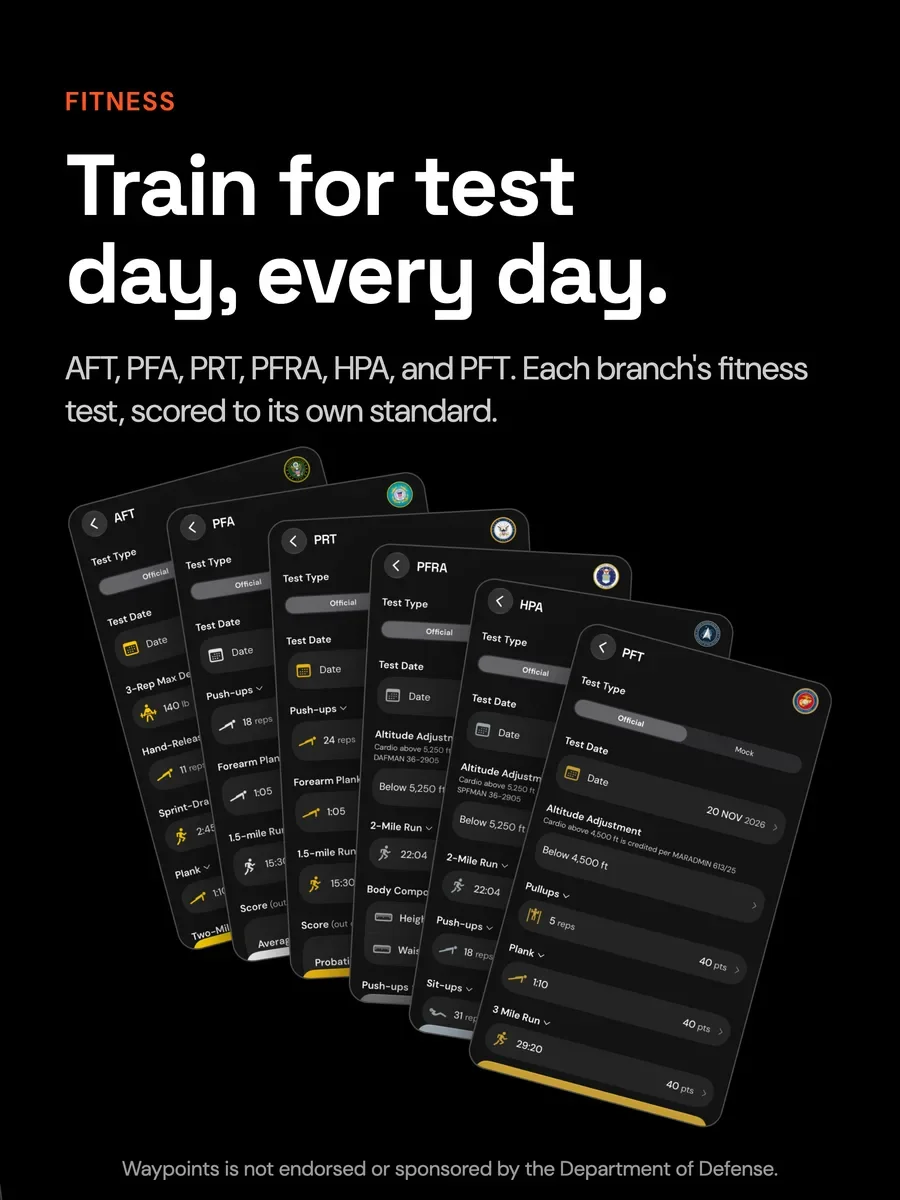
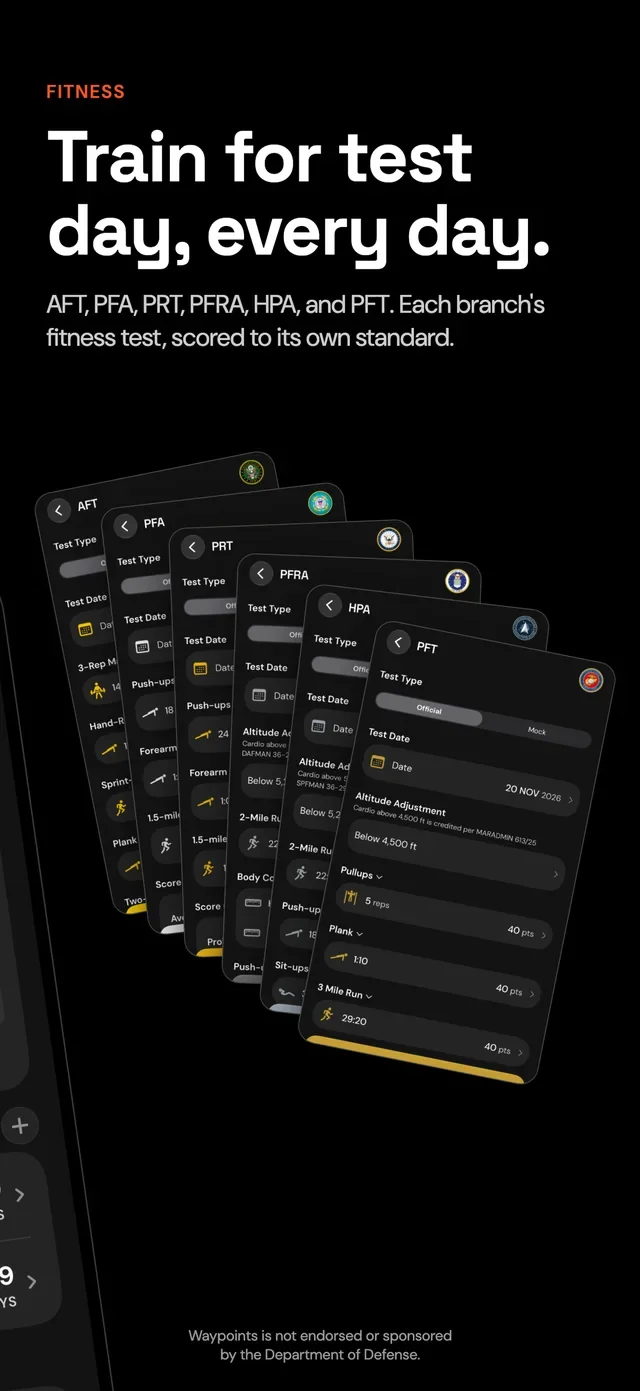
Scored to your branch's own standard.
Each service grades fitness differently. Waypoints uses each branch's scoring tables, so the number you see is the number that counts.
Pass or fail, and by how much
Log a test or body composition and see your result and where you stand against your branch's standard.
Keep your record clean
Mark each saved score as official or practice, so your history shows real results apart from training runs.
Every test on one screen
See your fitness history for every test together and track how your scores move over time.
Every cardio event scored
USMC fitness scores each cardio event, so you can compare the run, row, or other options side by side.
The new CFT is in
The Army's new CFT is supported alongside the AFT.
Altitude corrected
Waypoints factors in your altitude group and shows your corrected cardio score.
Know your score before the grader does.
Enter your events and Waypoints scores them with your branch's tables, including age and altitude adjustments where they apply.
- Scoring tables for each event
- Body composition saved as official
- Objectives and countdowns for your next test
Put the date on the calendar.
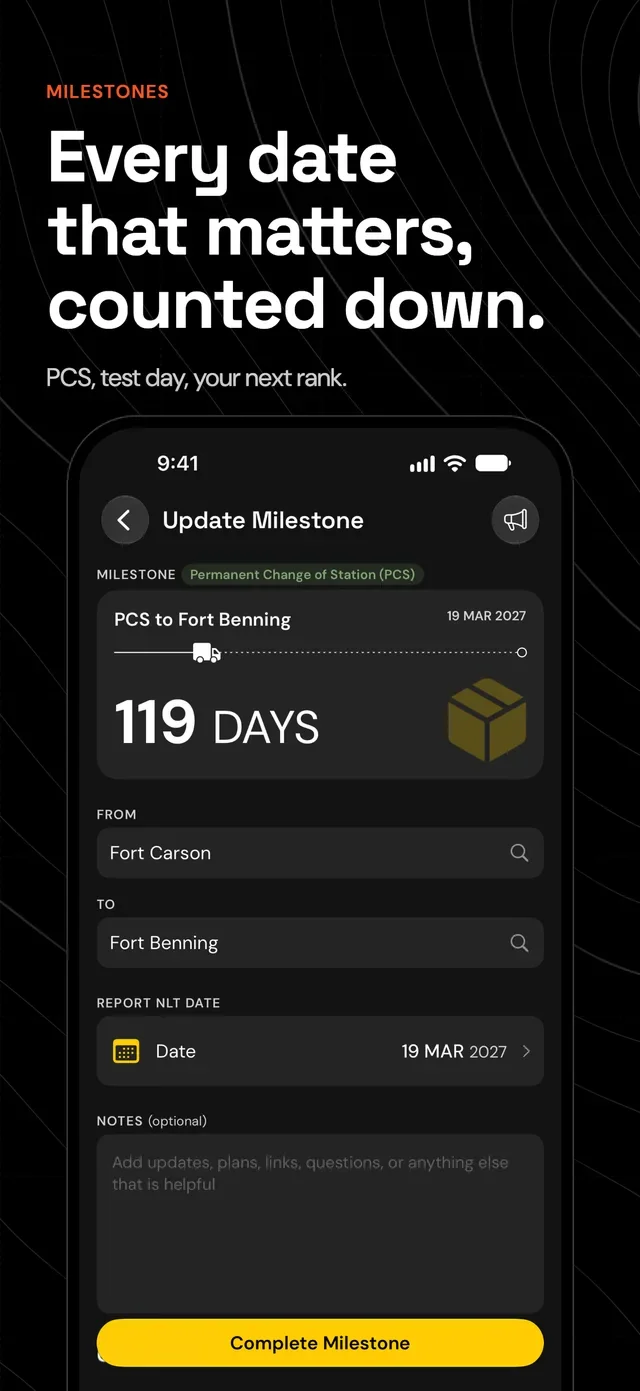
Set your next PT test as a milestone and Waypoints counts it down on your Career screen and your Home Screen widget.
- Milestone reminders before test day
- Countdown widgets on iPhone
- Pairs with your score history
Fitness FAQ
Which tests can I log?
Each branch's fitness test: the AFT, PFT, PRT, PFA, PFRA, and HPA, plus the CFT.
Can I log practice runs without affecting my record?
Yes. When you save a score, choose practice or official. Body composition saves as official.
Does it account for altitude?
For the Air Force and Space Force, yes. Waypoints uses your altitude group to show your corrected cardio score.